How to Use an Airbnb Wi-Fi Sign Template for Your Rental Property
Creating a welcoming and professional environment is essential for any Airbnb host. One often overlooked but important detail is the Wi-Fi sign. An Airbnb Wi-Fi sign template can help you provide guests with easy access to your property's internet connection while maintaining a clean and organized look. These templates are not only practical but also customizable, making them a must-have for any superhost or rental property manager.
What Makes an Airbnb Wi-Fi Sign Template Useful?
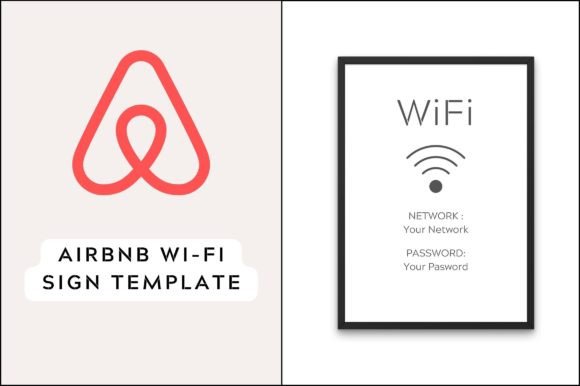
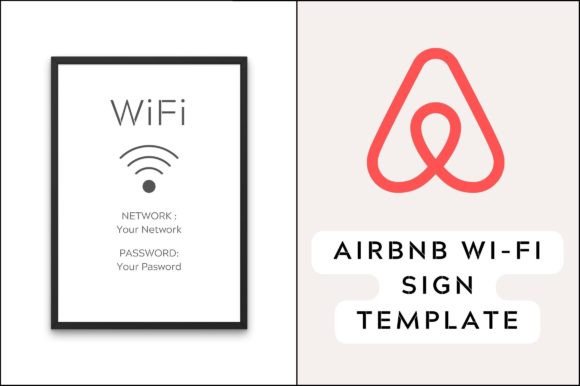
An Airbnb Wi-Fi sign template serves as a clear and concise way to share your Wi-Fi details with guests. It typically includes the network name (SSID) and password, along with a QR code that allows guests to connect quickly using their smartphones. This eliminates the need for guests to manually enter the password, reducing the chances of errors and improving their overall experience.
These templates are designed to be printed and placed in a visible location, such as near the router or at the entrance of the property. They come in various sizes, including A4, which is standard for most printers. The ability to resize the template ensures it fits your space perfectly, whether you're managing a small apartment or a large vacation home.
Why Choose an Editable Airbnb Wi-Fi Sign Template?
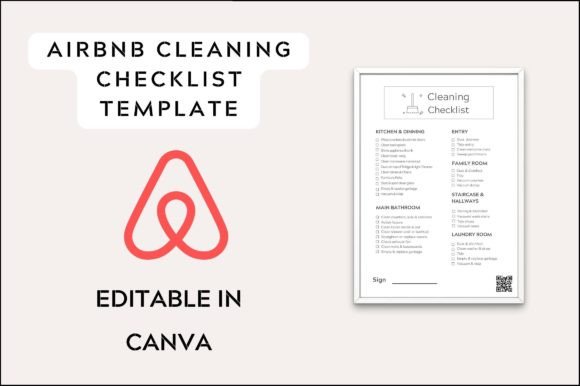
One of the biggest advantages of an Airbnb Wi-Fi sign template is its editability. With tools like Canva, you can customize the template to match your brand or personal style. This means you can change the color scheme, font, background, and even add your logo or property name. The flexibility allows you to create a unique design that reflects your personality or business identity.
Editing these templates is straightforward. You can adjust the layout, add images, or modify text elements to ensure the information is clearly presented. This level of customization makes the template more than just a functional tool—it becomes a part of your property’s branding strategy.
Customizing Your Airbnb Wi-Fi Sign Template
When working with an Airbnb Wi-Fi sign template, consider the following elements:
- Color Scheme: Choose colors that align with your brand or the theme of your property. For example, a beach house might use blue and white, while a modern urban apartment could go for black and gray.
- Font Choice: Select a readable font that complements the overall design. Avoid overly decorative fonts that may be difficult to read from a distance.
- Background: A simple, solid background often works best for readability. However, you can experiment with subtle patterns or gradients if they enhance the visual appeal without distracting from the text.
- Image Placement: If you want to include a logo or a relevant image, make sure it doesn’t overshadow the main information. Place it in a corner or along the edges so it doesn’t interfere with the text.
Benefits of Using a Printable Airbnb Wi-Fi Sign Template
Printable Airbnb Wi-Fi sign templates offer several benefits, especially for hosts who manage multiple properties. They save time by eliminating the need to design a new sign from scratch each time. Instead, you can download a pre-designed template and make minor adjustments as needed.
Another advantage is the ability to print the sign on demand. Whether you’re preparing for a guest’s arrival or updating your Wi-Fi details, having a printable template ensures you always have a fresh, up-to-date sign ready to use. This is particularly useful if you frequently change your Wi-Fi password for security reasons.
Additionally, printable templates are cost-effective. There’s no need to purchase physical signs or hire a designer. Most templates are available for free in formats such as PNG, SVG, JPG, and PDF, making them accessible to all hosts regardless of budget.
How Canva Enhances the Editing Experience?
Canva is a powerful online tool that simplifies the process of editing an Airbnb Wi-Fi sign template. Its user-friendly interface allows even those with minimal design experience to create professional-looking signs in minutes. With drag-and-drop functionality, you can easily rearrange elements, adjust colors, and preview changes in real-time.
Canva also offers a wide range of templates, stock images, and design elements that can be used to enhance your sign. Whether you want to add a border, insert a graphic, or change the layout, Canva provides the tools needed to achieve a polished result. This makes it an ideal choice for hosts who want to maintain a consistent and appealing visual identity across all their properties.
Best Practices for Using an Airbnb Wi-Fi Sign Template
To get the most out of your Airbnb Wi-Fi sign template, consider the following best practices:
- Keep It Clear and Concise: Ensure the Wi-Fi name and password are easy to read. Avoid cluttering the sign with unnecessary information.
- Place It Strategically: Position the sign where guests can easily see it, such as near the router or at the front door. Make sure it’s not hidden behind furniture or other objects.
- Update Regularly: If you change your Wi-Fi password, update the sign accordingly. This prevents guests from being unable to connect due to outdated information.
- Use a QR Code: Including a QR code makes it easier for guests to connect using their smartphones. This adds a layer of convenience and professionalism to your property.
Final Thoughts on Using an Airbnb Wi-Fi Sign Template
An Airbnb Wi-Fi sign template is more than just a piece of paper—it’s a tool that enhances the guest experience and streamlines your workflow as a host. By choosing an editable and printable template, you gain the flexibility to personalize your sign while ensuring it remains functional and visually appealing.
Whether you’re a seasoned superhost or just starting out, investing in a well-designed Wi-Fi sign can make a big difference in how guests perceive your property. With the right template and a little creativity, you can create a sign that is both practical and aesthetically pleasing, helping you stand out in the competitive world of short-term rentals.